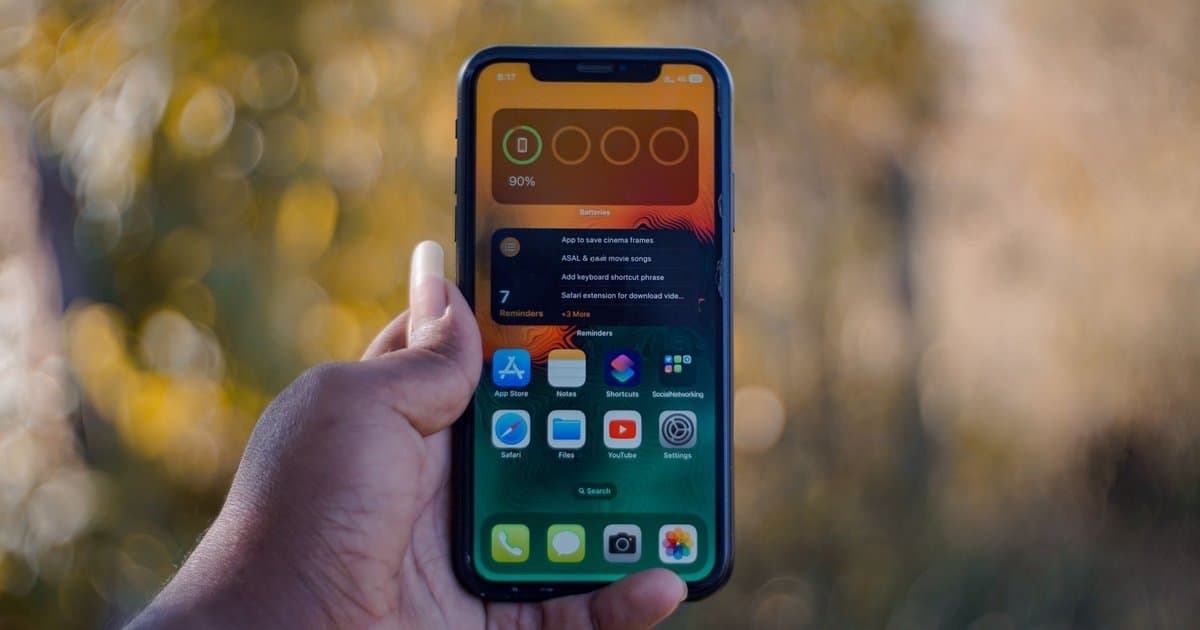
Most people have never opened it, and the ones who have usually misread it. Somewhere in your phone settings is a battery health screen showing a single percentage, often something like 85 percent or 91 percent. People glance at it, assume it means how much charge is left, and move on. It does not mean that at all, and once you understand what it actually measures, a lot of your phone's annoying behavior suddenly makes sense. That number is quietly explaining why your battery dies faster than it used to and why your phone sometimes feels sluggish for no clear reason. It is one of the most useful numbers on your device and almost no one knows how to read it.
That percentage is your battery's maximum capacity compared to when it was brand new. A reading of 85 percent means your battery can now hold only 85 percent of the charge it held on day one. Every battery degrades this way because of simple chemistry, and charging cycles slowly wear it down whether you treat it well or not. A phone that lasted all day when you bought it might now need a top up by mid afternoon, and that capacity number is the reason. This is normal aging, not a defect, but it is also the single best measure of how much life your battery has left. Watch it fall over time and you can predict the slowdown before it frustrates you.
The part that surprises people is the connection between battery health and speed. As the battery ages, it struggles to deliver power in quick bursts the way a healthy one can. To keep the phone from shutting off unexpectedly during those demanding moments, the software quietly slows the processor down. That means a worn battery does not just die faster, it can actually make your phone feel laggy when you open apps or multitask. People assume their phone is simply old and start shopping for a new one. Often the real problem is a tired battery, and the device underneath is still perfectly capable.
This reveal is good news for your wallet, because a battery is far cheaper than a new phone. When that health number drops below roughly 80 percent, most manufacturers consider the battery worn enough to justify a swap. A battery replacement usually costs a small fraction of a new device and can make an aging phone feel close to new again, both in how long it lasts and how fast it runs. Before you spend hundreds upgrading, check that number and ask whether you are replacing the whole phone to fix one worn part. For a lot of people, a battery service buys another year or two out of hardware that was never actually the problem.
You can also slow the decline once you know what wears a battery down. Heat is the biggest enemy, so keep the phone out of hot cars and off charging pads that run warm for hours. Avoid leaving it plugged in at 100 percent all night every night, and try to keep it in the middle range when you can. Use the built in feature that delays full charging until just before you wake, since that limits the time spent at a stressful full charge. None of this stops aging completely, but it stretches the timeline and keeps that health number higher for longer. Check it every few months, learn what it is telling you, and you will make smarter, cheaper decisions about a device most people replace too soon.



