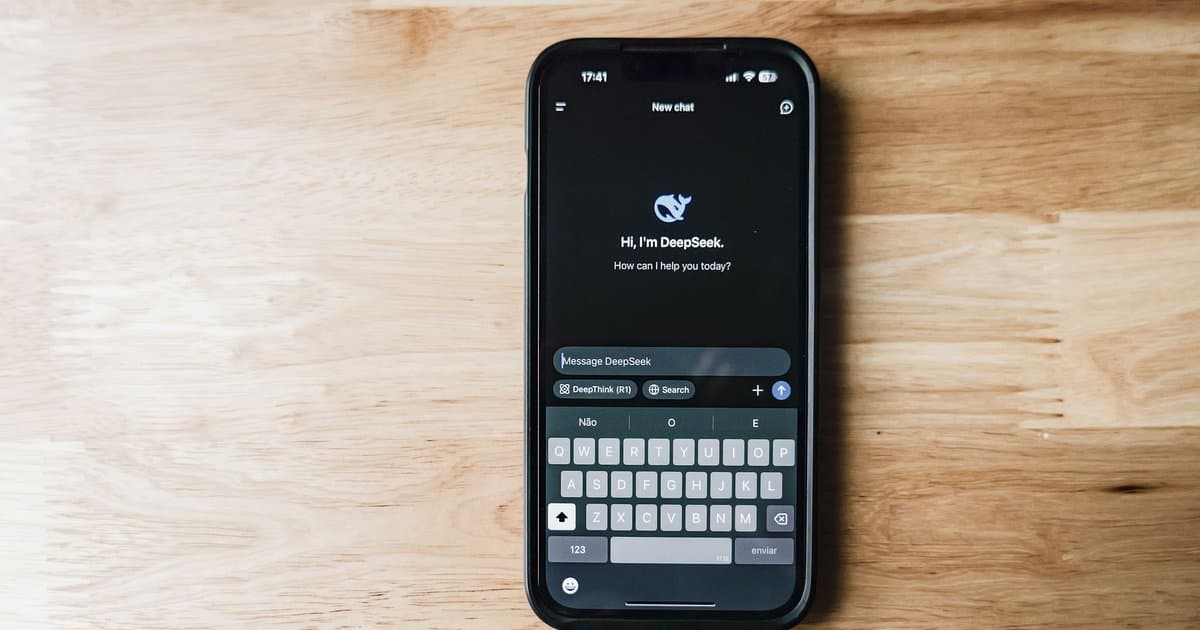
The keyboard on your phone is the one app that touches almost everything you do. Every message, every search, every note, every password you type by hand passes through it first. Most people never think about it as an app at all. It feels like part of the phone, like the screen or the buttons, so it never occurs to them to ask what it can see or where that information goes. That is exactly why it is worth a closer look, because a tool with that much access deserves more attention than a piece of furniture.
Start with the built in keyboard that came with your phone. On the major phone systems, the default keyboard is fairly locked down. It learns the words you type so it can autocorrect and predict, but that learning is generally designed to stay on your device or to sync in a protected way tied to your account. That is the reasonable end of the spectrum. The company that made your phone already has a relationship with you and a public reputation to protect, and the default keyboard is usually built with privacy limits baked in. If you never installed a different keyboard, you are mostly in this safer zone, though it is still worth knowing what your settings allow.
The picture changes when you install a third party keyboard, and this is where people get surprised. Those custom keyboards with extra themes, better emoji, swipe typing, or fun stickers are separate companies making separate products. For a keyboard to work well, the phone often asks you to grant it what is called full access, and that permission is broad. It can allow the keyboard to send what you type off your device to the company's servers, usually explained as necessary for prediction and improvement. The honest reality is that you are trusting an outside company with a stream of everything you type, and you often have little visibility into what they keep, how long they keep it, or who they share it with.
Think about what actually flows through a keyboard in a normal day. Private messages to family. Search queries you would never say out loud. Credit card numbers typed into a store. Passwords entered by hand when autofill does not fire. Health questions, addresses, and the small confessions people make to a search bar. A keyboard with broad access and weak protections is positioned to observe all of it. Most reputable keyboard makers say they exclude sensitive fields like password boxes from what they collect, and many do. But you are taking that on faith, and the burden is on you to know whether the keyboard you chose actually earns that trust.
There have been real cases over the years where keyboard apps mishandled this, transmitting more than users expected or storing typed data in ways that were later exposed. That does not mean every custom keyboard is dangerous. It means the risk is real and uneven, and free apps in particular deserve a hard question, because when a useful product costs nothing, the data it gathers is often part of how it pays for itself. That is not automatically sinister, but it is a trade you should make knowingly rather than by accident while chasing a nicer emoji set.
Checking your own setup takes only a couple of minutes. Go into your phone settings and find the keyboard section, then look at the list of keyboards you have installed. If there is one you do not recognize or no longer use, remove it. For any third party keyboard you keep, look at whether it has been granted full access, and ask yourself whether the features are worth that level of trust. You can often keep a custom keyboard while denying full access, which limits some cloud features but keeps more of your typing on the device. If you are not sure, switching back to your phone's default keyboard is the simplest safe choice.
None of this is a reason to panic about your phone. It is a reason to treat the keyboard like what it is, which is one of the most sensitive apps you will ever run, sitting directly between you and everything you write. The default option is usually a reasonable place to be, and a two minute check of your installed keyboards and their permissions tells you where you actually stand. The goal is not fear. It is simply knowing who is on the other side of the keys before you type your next password. A little awareness costs you nothing and closes a door most people never noticed was open. That is usually how privacy works, not through big dramatic changes but through small checks like this one that quietly keep more of your life your own.



