That little button that says continue with Google looks like a gift. No new password to invent, no extra login to forget, one tap and you are in. The catch is that you just tied another piece of your life to a single account. When you sign in with Google, Apple, or Facebook, you are not skipping the password. You are handing one company the keys to the door. What you save in convenience you pay for in risk, and most people never do that math.
The technology behind the button is called single sign on. Instead of creating an account with the new app, you let a provider you already trust vouch for you. The app never sees your password, which is a real security benefit. It only gets a token that says this person is who they claim to be. That part works well and is genuinely safer than reusing a weak password everywhere. The problem is not how it works. The problem is what happens when the master account fails.
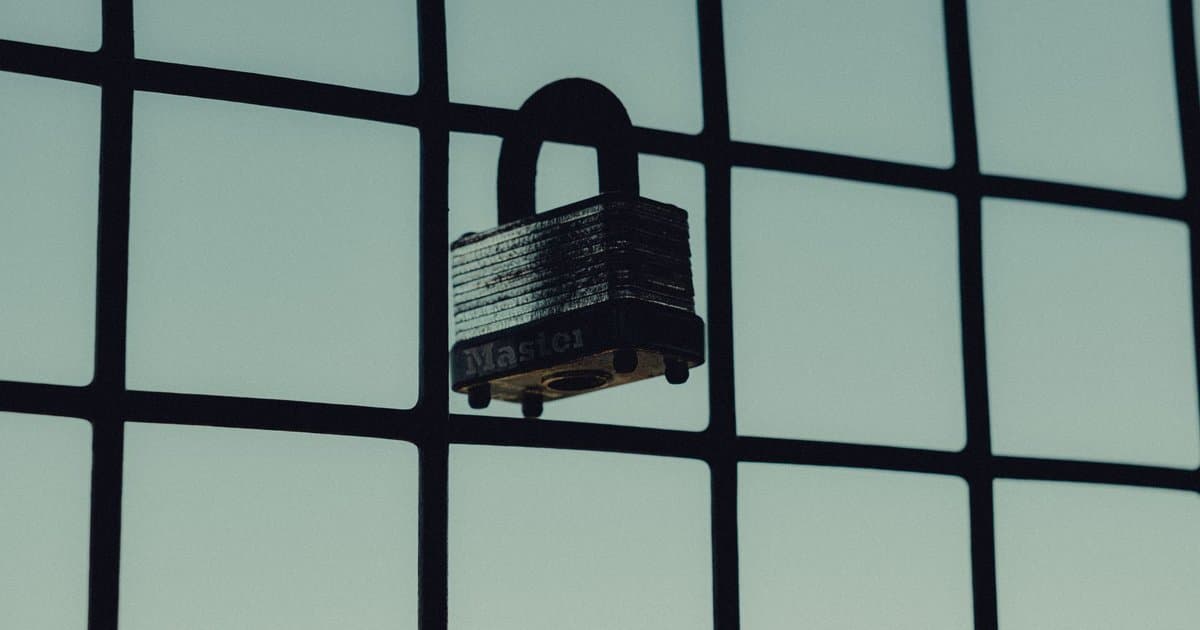
Think about everything chained to your main login. Shopping sites, streaming apps, food delivery, maybe even your work tools. If one weak app gets breached, the damage is limited to that app. But if the account you sign in with gets taken over, the attacker inherits every service you linked to it. One password reset on the main account can cascade into dozens of others. You built a house where every room shares the same lock. That is convenient right up until someone copies the key.
There is a quieter danger that has nothing to do with hackers. Providers can suspend or lock accounts, sometimes by mistake and sometimes with little warning. People have been shut out of their main login over a policy flag or a billing error. When that happens, everything you signed into with that account can go dark at the same time. You do not just lose email. You lose the ability to log in to the whole map of services built on top of it. Recovering one account to rescue thirty is a bad place to be.
The convenience also comes with a watching eye. Every time you use the button, the provider learns that you joined and use that service. Over months that builds a detailed picture of your habits across the web. The app, in turn, usually receives your name, email, and profile photo at a minimum. None of that is hidden, but almost no one reads the permission screen that lists it. You are trading a little data for a lot of speed, and the data adds up fast.
You do not have to swear off the button, but you should use it with care. Protect the master account first with strong two factor login, ideally an app or a physical key rather than text messages. Set up backup recovery options so a lockout does not become permanent. For anything that really matters, like your bank or your primary email, use a unique password from a password manager instead of chaining it to a social login. Keep a short list of which apps use which login. That list is what saves you on a bad day.
The smart move is to match the method to the stakes. For a throwaway app you will use twice, the Google button is fine and saves time. For your health records, your money, or your job, the extra minute of a separate password is cheap insurance. Ask yourself one question before you tap: if I lost this master account tomorrow, how badly would this hurt? Sort your logins by that answer. The high stakes ones deserve their own front door.
Single sign on is not a trap, and it is not something to fear. It is a trade, and trades should be made on purpose. The button buys you speed today and hands you a concentration of risk you will not feel until something breaks. Spread your most important logins out, lock down the account that guards the rest, and know exactly what depends on what. Do that, and the convenience stays a convenience. Ignore it, and one failure can take the whole set down.