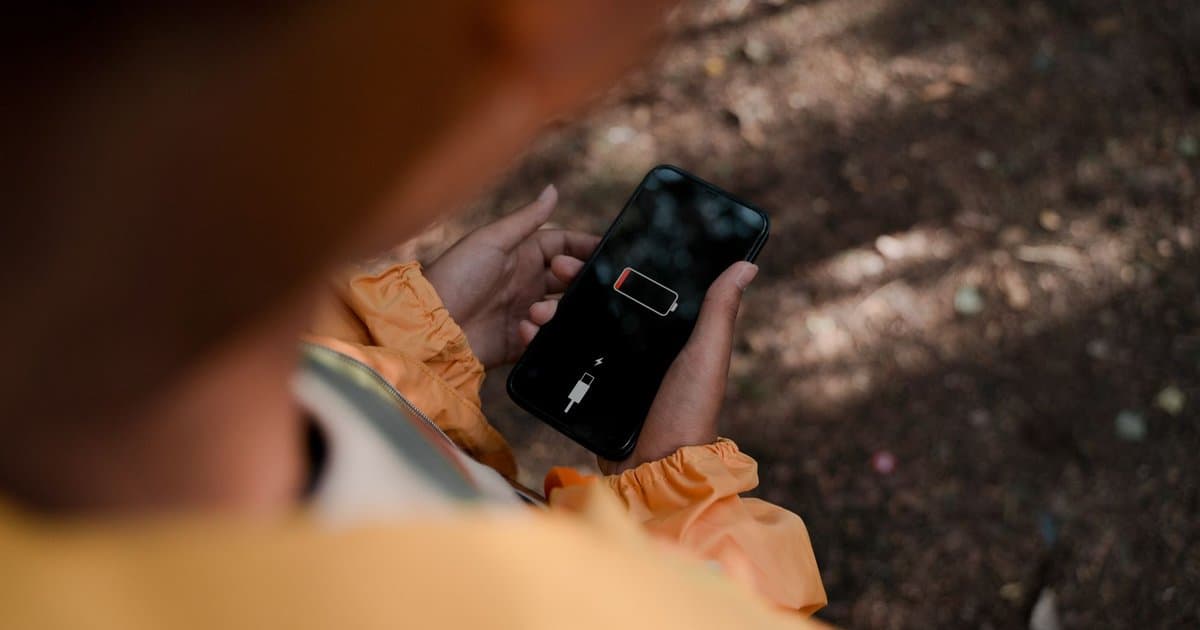
When your phone battery starts dying by mid afternoon, the easy assumption is that the battery is worn out and you need a new phone. Sometimes that is true after a few years of charging cycles. Far more often, the battery is fine and a handful of settings are draining it in the background while you do nothing. Phones ship with defaults that favor convenience over battery life, and most people never go in and change them. Four settings in particular do the bulk of the quiet damage, and every one of them takes less than a minute to adjust. Fix these and you can often get hours back without spending a dollar.
The first is background app refresh. This setting lets apps update their content even when you are not using them, so your feeds and inboxes feel instantly fresh the moment you open them. The cost is that dozens of apps are waking up, pulling data, and using power all day long without you ever seeing them. Most of those apps do not need to refresh in the background at all. Go into your settings and turn off background refresh for everything except the few apps where it genuinely matters, like messaging. You will barely notice the difference in how the apps feel, but your battery will notice immediately. This single change is often the biggest win on the list.
The second is location services set to always. Many apps ask for your location and quietly default to tracking it constantly, even when the app is closed. A weather app, a shopping app, or a game has no reason to know where you are every minute of the day. Each app that holds always on location access keeps a part of your phone awake and working, which adds up fast across a dozen apps. Go through your location settings app by app and switch most of them to while using or off entirely. Keep always on only for the rare app that truly needs it, like turn by turn navigation. Your battery and your privacy both improve from the same change.
The third is screen brightness, and specifically auto brightness combined with a high baseline. The screen is the single largest power draw on your phone, so how bright it runs matters more than almost anything else. Many people keep brightness cranked high out of habit, or they disable the automatic setting and leave it at maximum. Letting the phone adjust brightness to your surroundings, and nudging your overall level down a notch, cuts power use noticeably across a full day. If your phone offers a dark mode, using it on screens that support it saves additional power on many displays. None of this makes the phone harder to see. It just stops the screen from blasting more light than the moment requires.
The fourth is push email and constant notifications. Every app that pushes you alerts is maintaining a live connection to its servers so it can ping you the instant something happens. A few of those are worth it. Most are not. The store app does not need to interrupt you, and your email does not need to arrive the literal second it is sent. Switching email to fetch on a schedule, say every fifteen or thirty minutes, instead of instant push, reduces the constant background chatter that keeps the phone awake. Going through your notifications and turning off the ones you ignore anyway does the same thing while also giving you a calmer phone. Fewer live connections means less power spent waiting for news that can wait.
There are a couple of smaller habits worth mentioning because they support the big four. Closing out of the few genuinely heavy apps when you are done, like games and video editors, prevents them from running on. Keeping your software updated matters too, because updates often include fixes that improve how efficiently the phone manages power. And if your battery really is old, a battery health screen in your settings will tell you its capacity, so you can stop guessing. But before you assume the hardware is the problem, work through the four settings first, because the software is usually the real culprit.
It also helps to know which of these is hurting you most, and your phone will tell you if you ask. Buried in the settings is a battery screen that breaks down exactly which apps used the most power over the last day or week. This is the fastest way to stop guessing, because it points you straight at the worst offenders instead of making you change everything blindly. If one app is eating a huge share of your battery, that is where you start, whether that means limiting its background activity, cutting its location access, or deleting it if you barely use it. Checking that screen once a month keeps you ahead of the slow creep that happens as you install new apps. The phone already knows where the power is going, so let it do the diagnosing for you.
The point is that battery drain is mostly a settings problem, not a hardware problem, for the first few years of a phone's life. Turn down background refresh, rein in location access, ease off screen brightness, and quiet your push notifications, and you change how your phone behaves all day. The whole process takes about ten minutes one time. After that your phone simply lasts longer, and you stop reaching for the charger at lunch wondering where the battery went.



