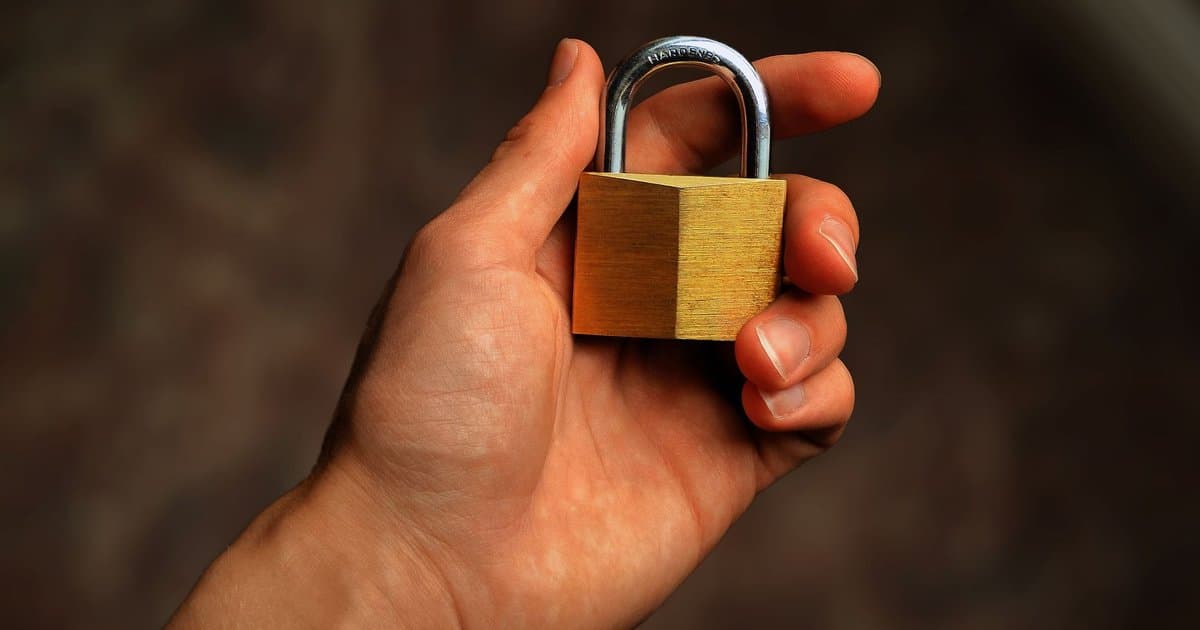
For years the advice was simple. Look for the little padlock in the address bar, and if it is there, the website is safe. Parents taught it to kids, banks printed it on flyers, and trainers repeated it in every security class. The problem is that the advice was never quite complete, and today it is close to useless. The padlock does mean something real, but it does not mean what most people think it means. Trusting it blindly is exactly how careful people still get robbed.
Here is what the padlock actually tells you. It says the connection between your device and that website is encrypted. In plain terms, the data moving back and forth is scrambled so that other people on the same network cannot read it. If you type a password on a page with the lock, someone sharing the coffee shop wifi cannot easily grab it in transit. That protection is genuine and worth having. But notice what it covers, which is the pipe, not the person waiting at the other end of it. Encryption is about privacy on the road, and nothing more than that. It keeps eavesdroppers out, but it does not vet the destination.
The padlock says nothing about whether the site is honest. It does not check if the company is real, if the store will ship your order, or if the page is a fake built to steal from you. It only proves the tunnel is private. You can have a perfectly encrypted connection straight to a criminal. The lock seals the envelope, but it never asks who you are mailing it to. A sealed letter sent to the wrong hands is still a total loss.
This gap turned into a real problem once security certificates became free. A certificate is the file that switches on the padlock, and years ago it cost money and some effort to obtain. Now anyone can get one in minutes at no charge. Scammers were quick to notice the opening. Today the large majority of phishing sites carry the very same padlock as your bank. The symbol people were told to trust is now standard equipment for fraud. A lock next to a web address is now trivially easy to obtain. It has become almost meaningless as a stand-alone sign of trust.
Browser makers saw the confusion and quietly changed course. Chrome removed the classic padlock icon and swapped in a plain settings symbol, because their own research showed people read the lock as a stamp of approval. There used to be a fancier certificate that displayed a company's verified name, yet browsers stopped highlighting even that. The old icon was teaching the wrong lesson to millions of users every day. That should tell you how weak the signal really is. When the people who built the feature stop showing it, the myth around it deserves a hard second look.
So what should you check instead? Start with the web address itself, read it slowly, and look at the exact spelling of the domain. Fraud sites lean on lookalike names, swapping a letter, adding a word, or using a strange ending after the real brand. A page can read paypa1 with a number one, or hide the real name inside a longer scam address. Pay attention to the part right before the first single slash, because that is the true site you are on. The lock will happily appear on all of these traps. Take an extra second to sound out the name letter by letter. That small pause defeats most lookalike tricks.
Think about how you arrived at the page, because that matters as much as the page itself. Most account theft starts with a link in an email or a text that pushes you to hurry. The message creates panic, you click, the lock is there, and your guard drops. Instead of trusting the link, go to the site the way you normally would, by typing the address yourself or using a saved bookmark. If a message demands fast action and secrecy, that urgency is the real warning sign, not the design of the page. Slowing down for ten seconds is often all it takes to catch the trick. When in doubt, close the message and start fresh from an address you already know.
None of this means encryption is worthless, because it protects your data on the way across. It just cannot vouch for the honesty of whoever is waiting at the end. Treat the padlock as one small piece of a bigger check, never as the whole answer. Confirm the name, question the source, and slow down when something feels off. The safest users are not the ones who spot a lock. They are the ones who still ask who is really on the other side before they type a single thing.



