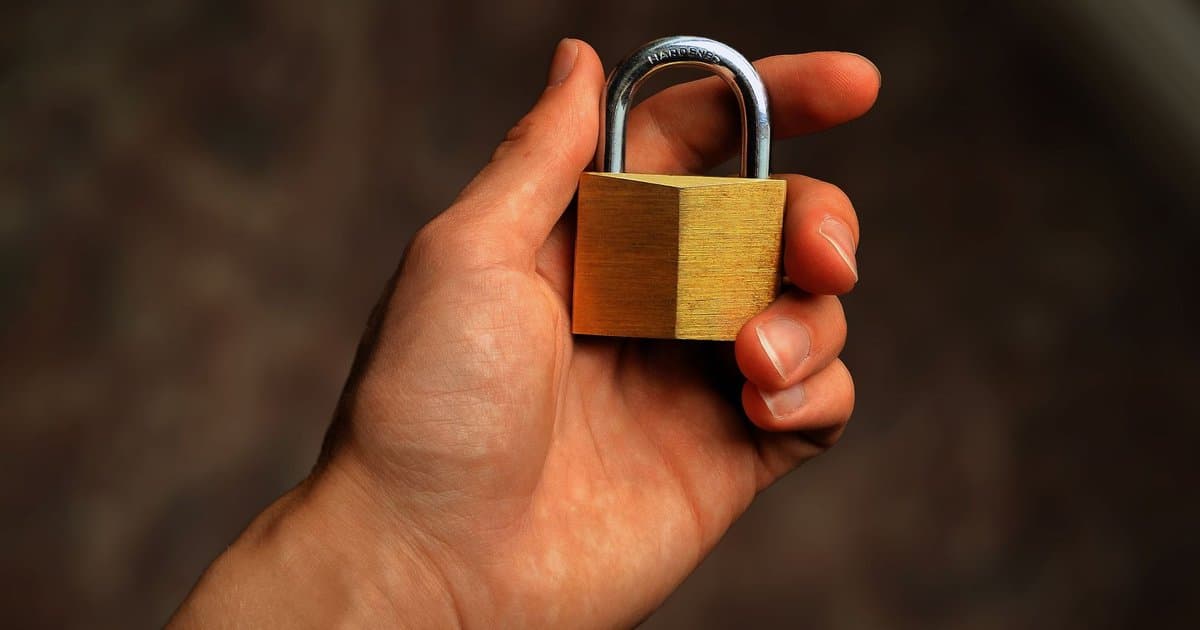
For years the standard safety advice was simple, which was to look for the little padlock in the address bar. A generation of users learned that the lock meant a website was safe to trust with a password or a card number. That advice made sense once, but today it is outdated and quietly dangerous. The padlock still means something, just not the thing most people think it does. Scammers have learned to put the exact same lock on their fake pages. If you are still using it as your main safety check, you are trusting a signal the criminals fully control.
The padlock represents a security standard called HTTPS, which encrypts the connection between your device and the website. Encryption scrambles the data as it travels, so someone snooping on the same network cannot read what you send. That protection is real and genuinely useful, especially on public wireless networks. When you type a password on an HTTPS page, no one sitting nearby can pluck it out of the air. So the lock does keep a promise, which is that the conversation is private. The catch is that a private conversation with a thief is still a conversation with a thief.
The reason this matters now is that the padlock used to be a little harder to get. Years ago the certificates behind it cost money and took some effort, so most casual scam sites skipped them. Then free and automated certificate services arrived, and getting a lock became fast and effortless for anyone. Security researchers have found that the large majority of phishing sites now use HTTPS and show the padlock. The lock is no longer a mark of a serious, legitimate business. It has become table stakes, something a scammer sets up in minutes on a fake page.
Here is the key distinction that the padlock quietly hides from most users. The lock verifies that your connection to the site is encrypted, and nothing more than that. It does not verify who owns the site, whether they are honest, or whether the company is real. A criminal can own a perfectly valid certificate for a website built entirely to steal from you. The encryption will faithfully protect the theft in transit, which is not the reassurance it sounds like. Confusing a secure connection with a trustworthy destination is exactly the mistake attackers are counting on.
This gap is the engine behind a huge share of modern phishing. An attacker registers a domain that looks almost like a real one, then gives it a valid certificate and a padlock. They send an email warning that your account is locked, with a link to their convincing copy of the login page. You click, you see the lock, and your old training tells you the site is safe. You type your username and password, and both go straight to the attacker. The padlock did its job perfectly, encrypting your credentials as they were handed to a criminal.
The thing worth checking is not the lock but the domain name itself. Look at the web address and read it carefully from the start up to the first single slash. The real owner is the part right before that first slash, and everything after it can be faked. Scammers hide the truth by burying the real name in a long address or using clever misspellings. A site might read like your bank with an extra word, a swapped letter, or an unusual ending. Slow down for two seconds and actually read the domain, because that is where the honesty lives or dies.
A few simple habits protect you far better than the padlock ever did. For anything involving money or a password, type the address yourself or use a saved bookmark instead of clicking a link in an email. Treat unexpected links and urgent warnings as suspicious by default, since urgency is the scammer's favorite tool. A password manager helps here in a way people underrate, because it refuses to fill your login on a domain it does not recognize. If your saved password does not pop up on a familiar looking page, that silence is a warning. The lock tells you the road is private, but only you can check that you are on the right road.



